Introduction
DAX (Data Analysis Expressions) is the formula language behind Power BI, Power Pivot, and Analysis Services. Most people meet DAX by copying a formula from a forum, dropping it into a calculated column because that's the box that felt familiar from Excel, and moving on. That habit works for a while until reports get slow, numbers stop matching, and nobody can say why.
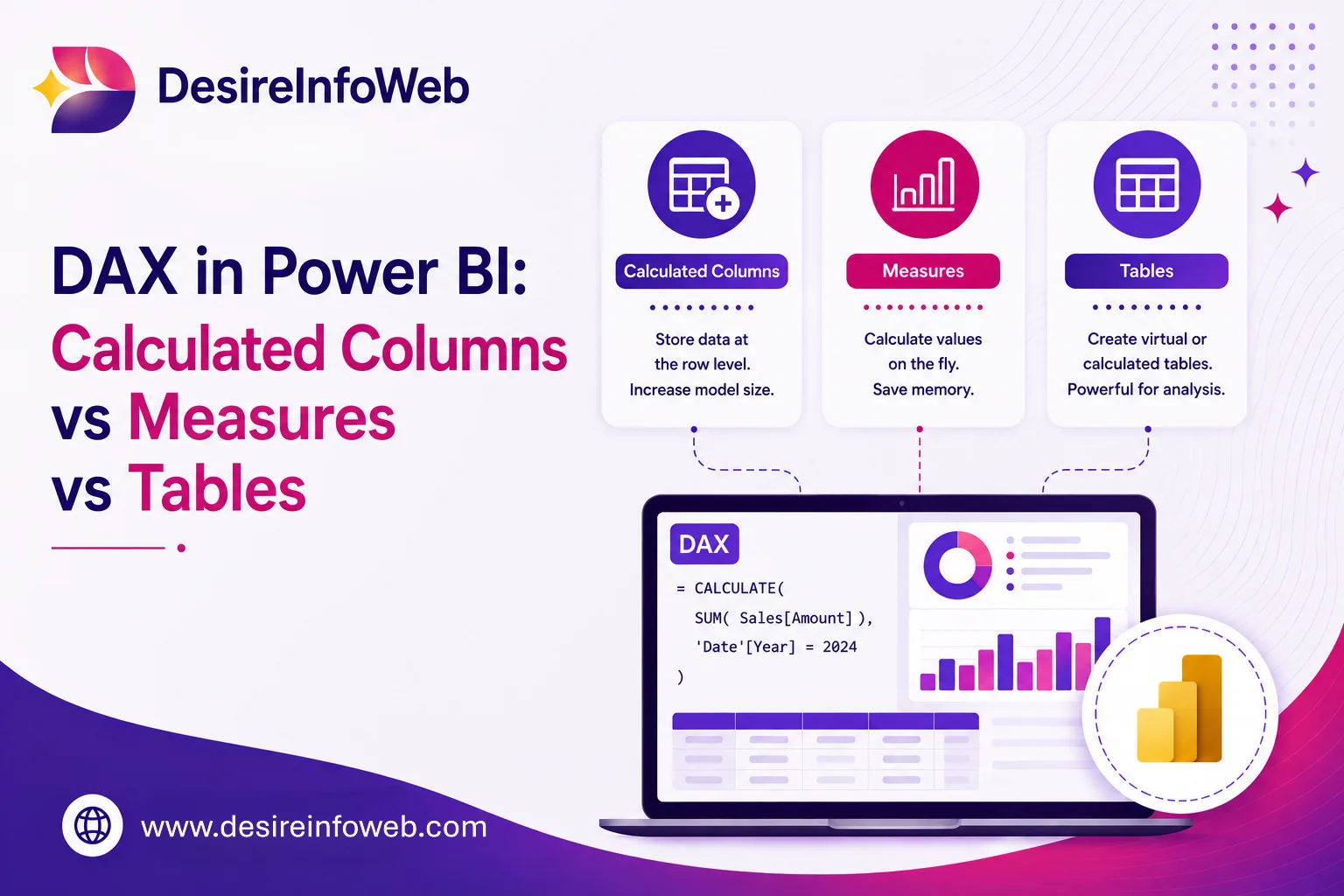
DAX actually gives you three different places to write a formula calculated columns, measures, and calculated tables and each one evaluates in a fundamentally different way. Understanding that difference is the single biggest jump in DAX skill you can make. This guide breaks down what each one really does, when to reach for it, and why experienced Power BI developers default to writing measures first.
What is DAX, Really?
DAX is not a general-purpose programming language and it isn't quite like an Excel formula either, even though the syntax looks familiar. DAX is a language for querying and aggregating data inside a data model made of tables and relationships. Every DAX in Power BI formula is evaluated inside a context a row context, a filter context, or both and that context is what determines the result.
- Row context "which row am I currently on?" Applies inside calculated columns and inside iterator functions like SUMX.
- Filter context "which subset of the data is currently visible?" Applies to measures, driven by slicers, rows/columns in a visual, and filters.
With that in mind, the three DAX constructs make a lot more sense.
The Three DAX Constructs
Calculated Columns
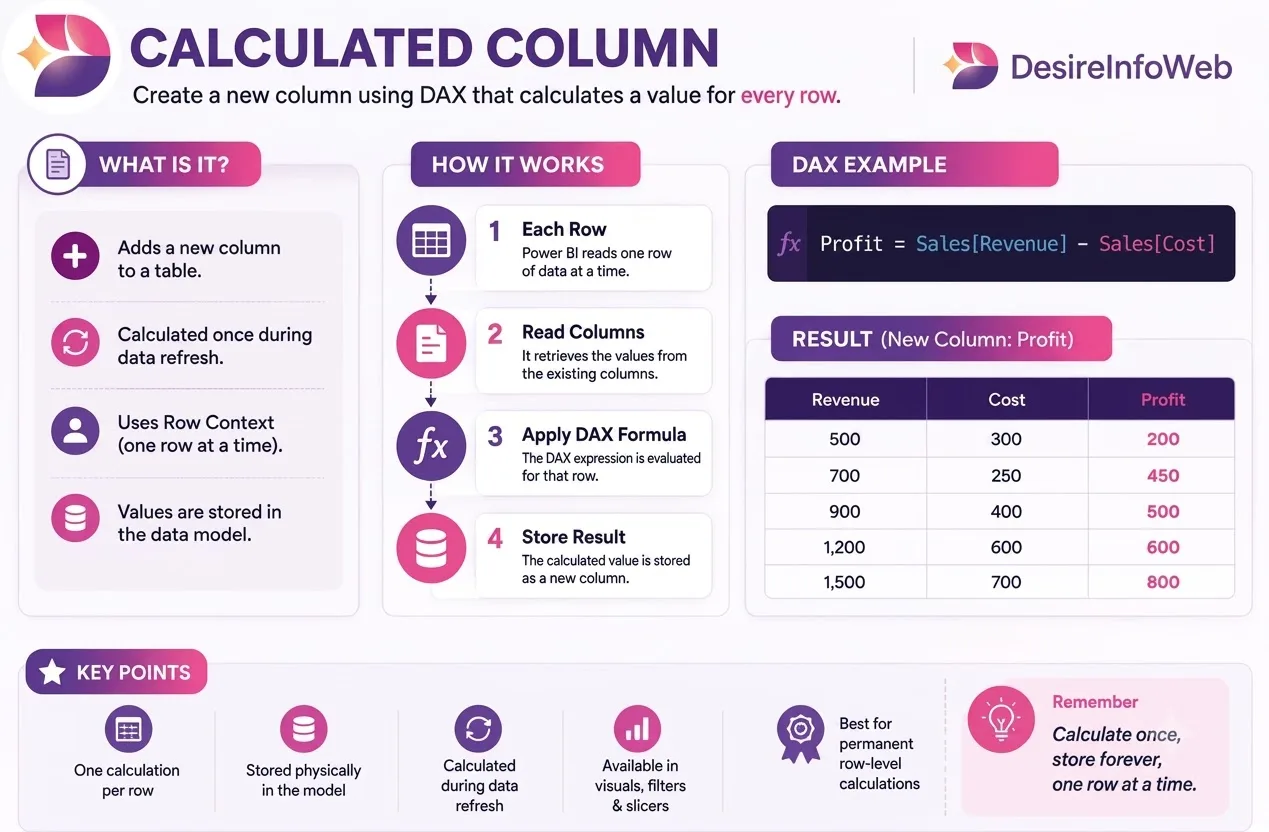
A calculated column adds a new column to a table, computed once per row, and the result is physically stored in the model just like an imported column. It's evaluated in row context: for every row, DAX can "see" the other values in that same row, but nothing about what's happening outside it.

Measures
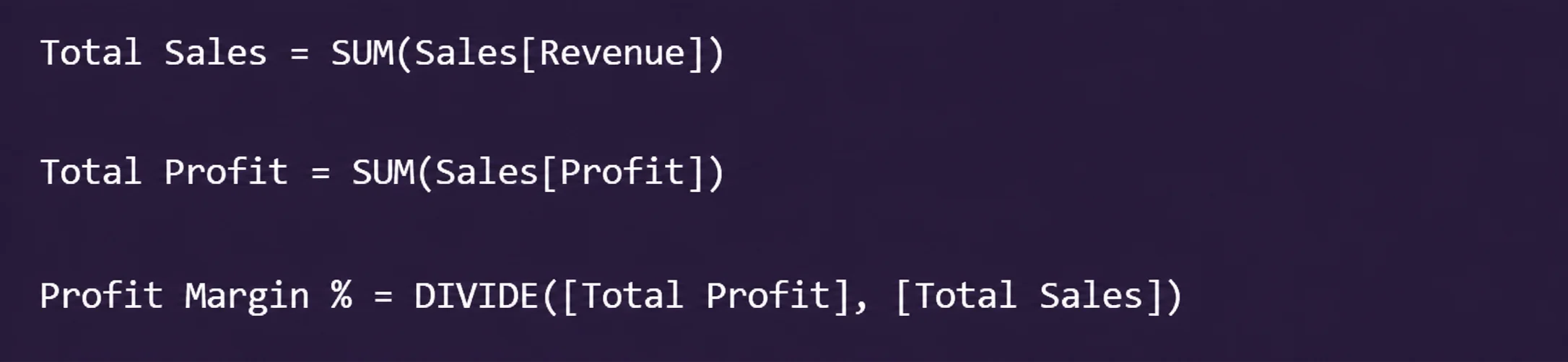
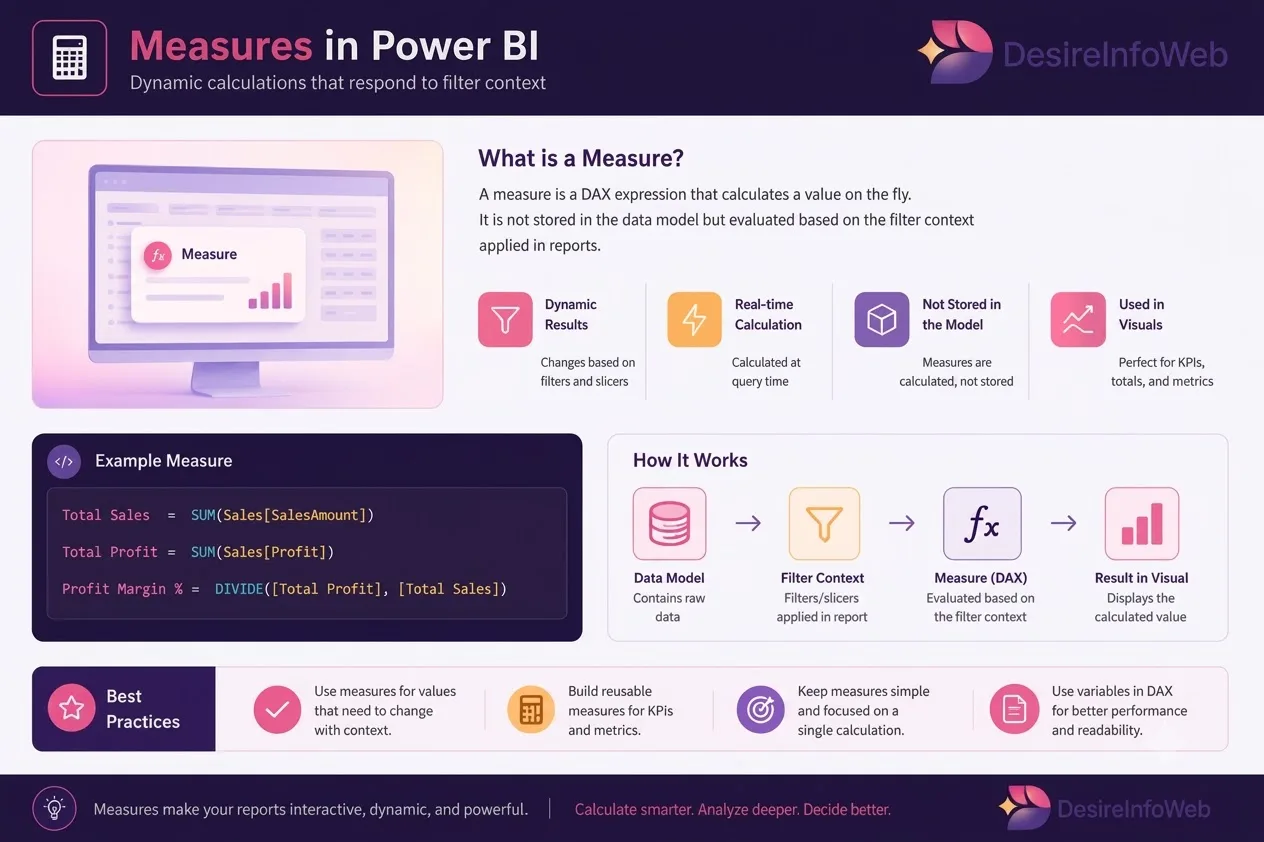
A measure is a formula calculated on the fly, at query time, in response to whatever filter context a visual, slicer, or filter currently applies. Nothing is stored the value is recomputed every time the report is interacted with.
Calculated Tables
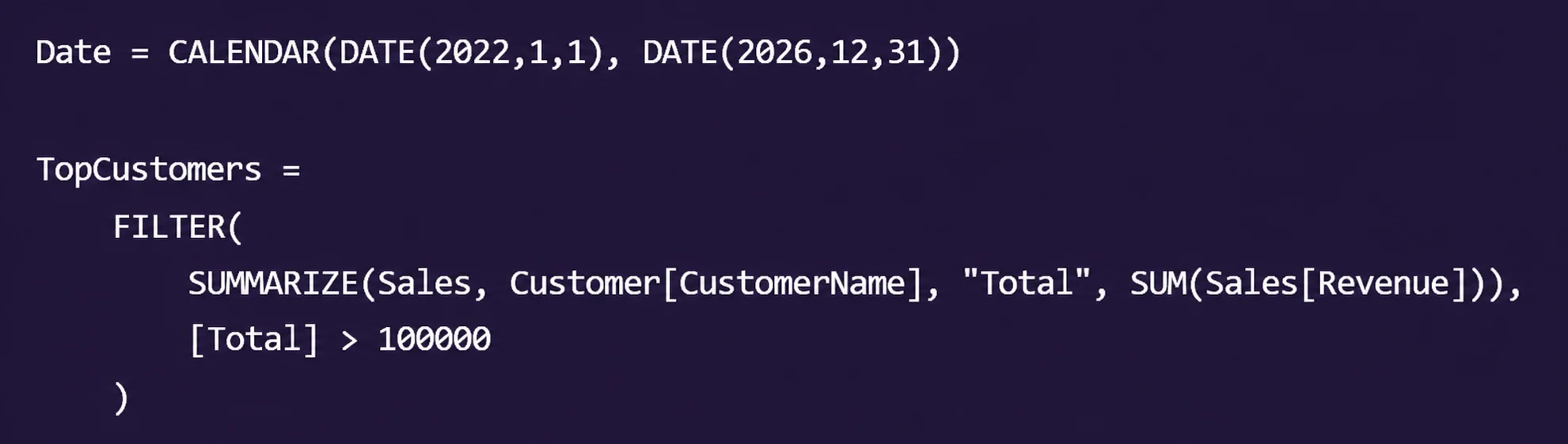
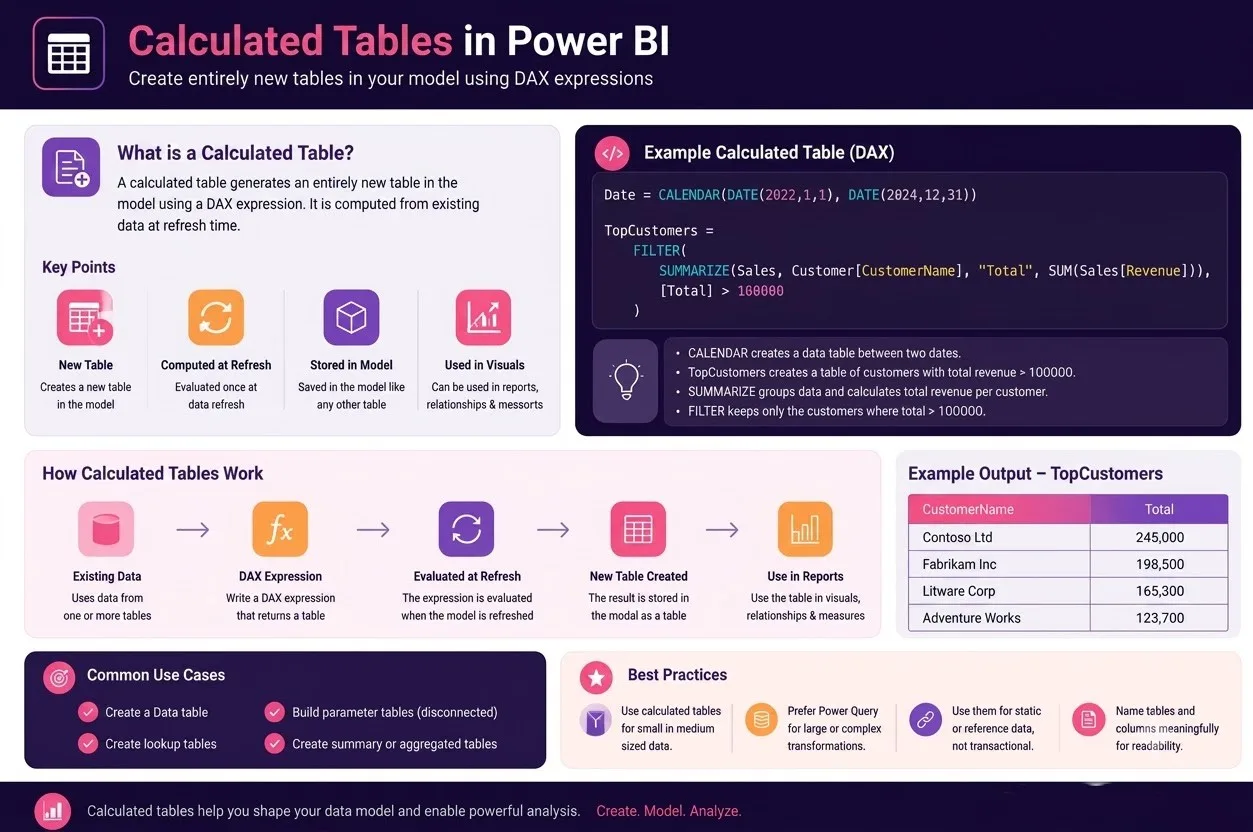
A calculated table generates an entirely new table in the model, computed from a DAX expression, evaluated once at refresh. It's used far less often than columns or measures, but it solves a specific class of problem: when you need a table that doesn't exist in your source data.
A calculated date table is the classic example Power BI needs a proper date table for time-intelligence functions to work, and CALENDAR() builds one instantly. Other uses include disconnected "parameter" tables for what-if analysis, or a summarized table used as the basis for a relationship.
Side-by-Side Comparison
Calculated Column | Measure | Calculated Table | |
Evaluated | Once, at refresh (row by row) | On demand, at query time | Once, at refresh |
Context | Row context | Filter context | None (whole table) |
Storage | Stored in the model (uses memory) | Not stored, computed live | Stored in the model |
Responds to slicers/filters | No fixed per row | Yes this is the point | No |
Typical use | New attribute to group/filter by | Totals, ratios, KPIs, time intelligence | Date tables, disconnected tables |
Performance cost | Adds to model size | Cheap to store, cost is at query time | Adds to model size |
Why “Measures First” Is the Right Default Habit
New DAX authors often default to calculated columns because the row-by-row logic feels closer to how Excel works. Experienced Power BI developers do the opposite: they reach for a measure first, and only drop down to a calculated column when there's a genuine reason to. A few reasons this default pays off:
- Measures are dynamic. A single Total Sales measure works correctly on every visual, every slicer combination, and every page a calculated column would need to be recomputed or duplicated for each scenario.
- Measures don't bloat the model. Calculated columns are materialized and stored for every row, which grows file size and slows down refresh, especially on large fact tables. A measure adds essentially nothing to model size.
- Measures compose. You can build Profit Margin % from Total Profit and Total Sales, and build a year-over-year measure from that a clean, reusable stack of logic. Calculated columns can't be layered the same way across rows.
- Measures keep the model lean and portable. A smaller, measure-driven model is faster to refresh, easier to reason about, and easier to hand off to someone else.
Conclusion
DAX isn't one thing it's three different tools that happen to share a syntax. Calculated columns store a value per row and only know their own row. Measures calculate on demand and know the full filter context of whatever they're placed in. Calculated tables generate entirely new tables at refresh. Knowing which one you actually need and defaulting to a measure whenever a total, ratio, or comparison is involved is what separates a model that stays fast and maintainable from one that slows down and confuses everyone six months in.
Frequently Asked Questions
Are measures slower than calculated columns?
Measures are computed at query time rather than stored, but for well-designed models this cost is small and is offset by a much smaller, faster-refreshing model overall. Calculated columns move the cost to refresh time and model size instead of query time it's a trade-off, not a free win.
Can I convert a calculated column into a measure later?
Often yes, especially if the column was really just an aggregation in disguise. If other parts of the model depend on filtering or grouping by that column's values, it needs to stay a column.
Do calculated tables update automatically?
They recompute on every data refresh, not live like a measure. For most calculated tables, such as a date table, that's exactly the right behaviour.
Is DAX the same as Power Query M?
No. Power Query (M) shapes and transforms data before it loads into the model. DAX operates after the data is loaded, defining columns, measures, and tables inside the model itself.