Introduction
Artificial Intelligence has moved beyond experimentation and become a critical business technology. Organizations across industries are leveraging AI to improve productivity, automate workflows, enhance customer experiences, and accelerate decision-making.
Among the most widely discussed AI solutions today are Microsoft Copilot and ChatGPT. Both platforms offer powerful conversational AI capabilities, but they are designed with different objectives, ecosystems, and business use cases in mind.
As businesses evaluate AI investments, one question continues to emerge:
The answer depends on your business goals, existing technology stack, security requirements, and automation needs.
In this guide, we'll compare Microsoft Copilot vs ChatGPT explore their strengths and limitations, and help you determine which solution delivers the greatest value for your organization.
Why Businesses Are Investing in AI Assistants
Modern workplaces generate vast amounts of information across emails, documents, meetings, CRM systems, collaboration platforms, and business applications.
Employees often spend hours every week:
Searching for information
Drafting documents
Analyzing data
Responding to emails
Managing repetitive tasks
Creating reports and presentations
AI assistants help eliminate these productivity bottlenecks by providing intelligent support directly within daily workflows.
Both Microsoft Copilot and ChatGPT aim to solve these challenges, but they approach them differently.
What Is Microsoft Copilot?
Microsoft Copilot is Microsoft's AI-powered productivity assistant deeply integrated across the Microsoft ecosystem.
It works within applications such as:
Microsoft 365
Word
Excel
PowerPoint
Outlook
Teams
SharePoint
OneDrive
Dynamics 365
Power Platform
Copilot leverages organizational data, permissions, and Microsoft Graph to help employees complete tasks without leaving their existing work environment.
Key Microsoft Copilot Capabilities
Draft emails in Outlook
Generate presentations in PowerPoint
Analyze data in Excel
Summarize Teams meetings
Search enterprise knowledge
Create reports and documents
Automate business workflows
Assist with Dynamics 365 processes
What Is ChatGPT?
ChatGPT is an advanced conversational AI platform developed by OpenAI.
It is designed to assist users with:
Content creation
Research
Programming
Data analysis
Customer support
Knowledge management
Business strategy
Process documentation
Creative problem-solving
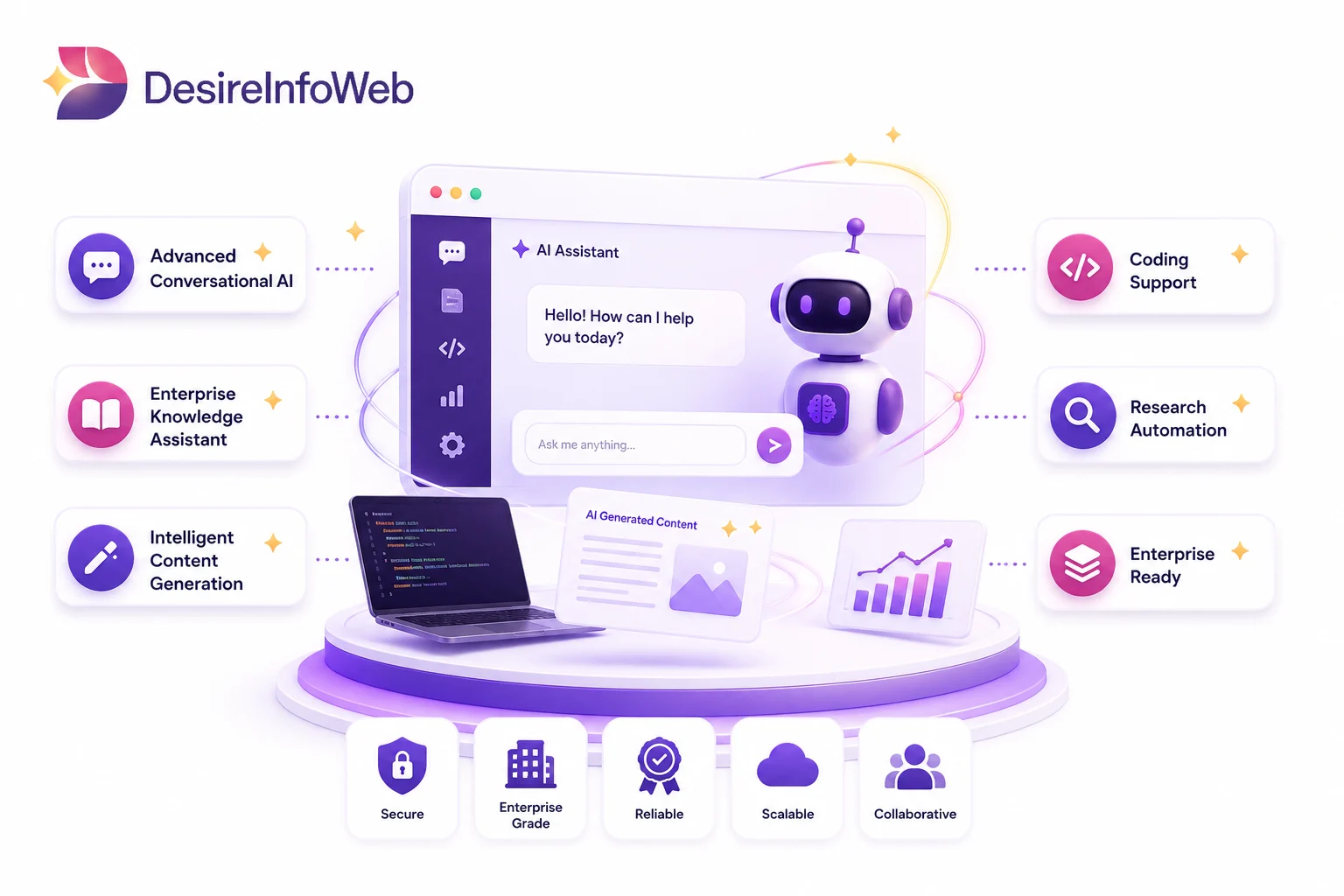
Unlike Microsoft Copilot, ChatGPT operates as a flexible AI platform that can be used across multiple industries, business functions, and technology environments and AI Document Automation .
Organizations can also leverage ChatGPT through APIs, custom GPTs, AI assistants, and enterprise integrations.
Key ChatGPT Capabilities
- Long-form content generation
- AI-powered research
- Coding assistance
- Business analysis
- Document summarization
- Custom AI assistant development
- Knowledge retrieval systems
- Advanced reasoning tasks
ChatGPT offers greater flexibility for organizations looking to build customized AI solutions beyond the Microsoft ecosystem.
Microsoft Copilot focuses on productivity within Microsoft applications, while ChatGPT provides a broader AI platform that can be adapted to virtually any business scenario.
Microsoft Copilot vs ChatGPT: Key Differences
Both solutions deliver powerful AI capabilities, but their strengths differ depending on organizational priorities and technology environments.
| Feature | Microsoft Copilot | ChatGPT |
| Primary Focus | Productivity within Microsoft Ecosystem | General-Purpose AI Platform |
| Microsoft 365 Integration | Excellent | Limited |
| Content Creation | Strong | Excellent |
| Custom AI Development | Moderate | Excellent |
| Coding Assistance | Good | Excellent |
| Workflow Automation | Excellent | Excellent (with integrations) |
| Business Research | Good | Excellent |
| Enterprise Knowledge Search | Excellent | Excellent |
| API Flexibility | Limited | Extensive |
| Cross-Platform Support | Moderate | High |
"Microsoft Copilot enhances Microsoft applications, while ChatGPT serves as a versatile AI platform for a wide range of business use cases."
Key Strengths Of Microsoft Copilot
Deep Microsoft 365 Integration
Organizations already using Microsoft 365 benefit from native integration across their existing tools.
Employees can interact with AI directly inside Word, Excel, Outlook, Teams, and SharePoint.
Improved Workplace Productivity
Copilot helps reduce repetitive tasks by generating content, summarizing meetings, and automating routine activities.
Enterprise Security and Governance
Copilot inherits Microsoft security, compliance, and permission controls, making it attractive for enterprise environments.
Better Collaboration
Users can work with AI inside the tools they already use every day.
Key Strengths Of ChatGPT Strengths
Greater Flexibility
ChatGPT supports a wider range of business applications beyond productivity software.
Advanced Content Creation
Marketing teams, consultants, developers, and business analysts often use ChatGPT for high-quality content generation and strategic thinking.
Custom AI Assistants
Organizations can create tailored AI solutions using APIs, custom GPTs, and enterprise AI workflows.
Cross-Industry Applications
ChatGPT can support:
Marketing
Sales
Customer Support
Software Development
Knowledge Management
HR
Operations
Training
This flexibility makes it a powerful platform for digital transformation initiatives.
When Microsoft Copilot Is the Better Choice
Microsoft Copilot is often ideal when organizations want to improve productivity within Microsoft applications.
Best Use Cases
Microsoft 365 productivity enhancement
Outlook email management
Teams meeting summaries
Excel data analysis
PowerPoint presentation generation
SharePoint knowledge retrieval
Dynamics 365 assistance
Organizations heavily invested in Microsoft technologies often achieve faster adoption and quicker ROI with Copilot.
When ChatGPT Is the Better Choice
ChatGPT excels when businesses need broader AI capabilities and greater customization.
Best Use Cases
Content marketing
Blog writing
AI-powered customer support
Research and analysis
Software development
Custom AI chatbot creation
Enterprise knowledge assistants
Process documentation
Business strategy support
Businesses seeking highly adaptable AI solutions often prefer ChatGPT.
Security and Compliance Considerations
Security remains one of the most important factors when evaluating AI platforms.
Microsoft Copilot
Advantages include:
Microsoft security framework
Enterprise compliance controls
Existing user permissions
Data governance alignment
ChatGPT Enterprise
Provides:
Enterprise-grade security
Data privacy controls
Administrative management
Custom deployment options
Both platforms offer strong enterprise security, but implementation requirements may vary depending on organizational policies.
Which AI Assistant Should Your Business Choose?
Choose Microsoft Copilot if:
Your organization relies heavily on Microsoft 365.
You want AI embedded within existing workflows.
Productivity improvement is your primary goal.
You need seamless integration with Microsoft applications.
Choose ChatGPT if:
You need broader AI capabilities.
Your organization requires custom AI solutions.
Content creation and business research are priorities.
You want flexibility beyond the Microsoft ecosystem.
For many modern businesses, the most effective strategy is leveraging both platforms to address different business requirements.
Final Thoughts
The debate between Microsoft Copilot and ChatGPT is not about which platform is universally better. It is about understanding which solution aligns best with your business objectives.
Microsoft Copilot excels at enhancing productivity within the Microsoft ecosystem, helping employees work smarter inside familiar applications.
ChatGPT offers unmatched flexibility for content creation, research, automation, and custom AI innovation across multiple industries and business functions.
Organizations that evaluate their workflows, technology stack, and long-term AI strategy carefully will be best positioned to unlock the full potential of artificial intelligence and gain a competitive advantage in the years ahead.
The future belongs to businesses that successfully combine productivity, automation, and intelligent decision-making and both Microsoft Copilot and ChatGPT can play a significant role in that transformation.