Introduction
Artificial Intelligence is rapidly changing how organizations access information, automate processes, and improve employee productivity.
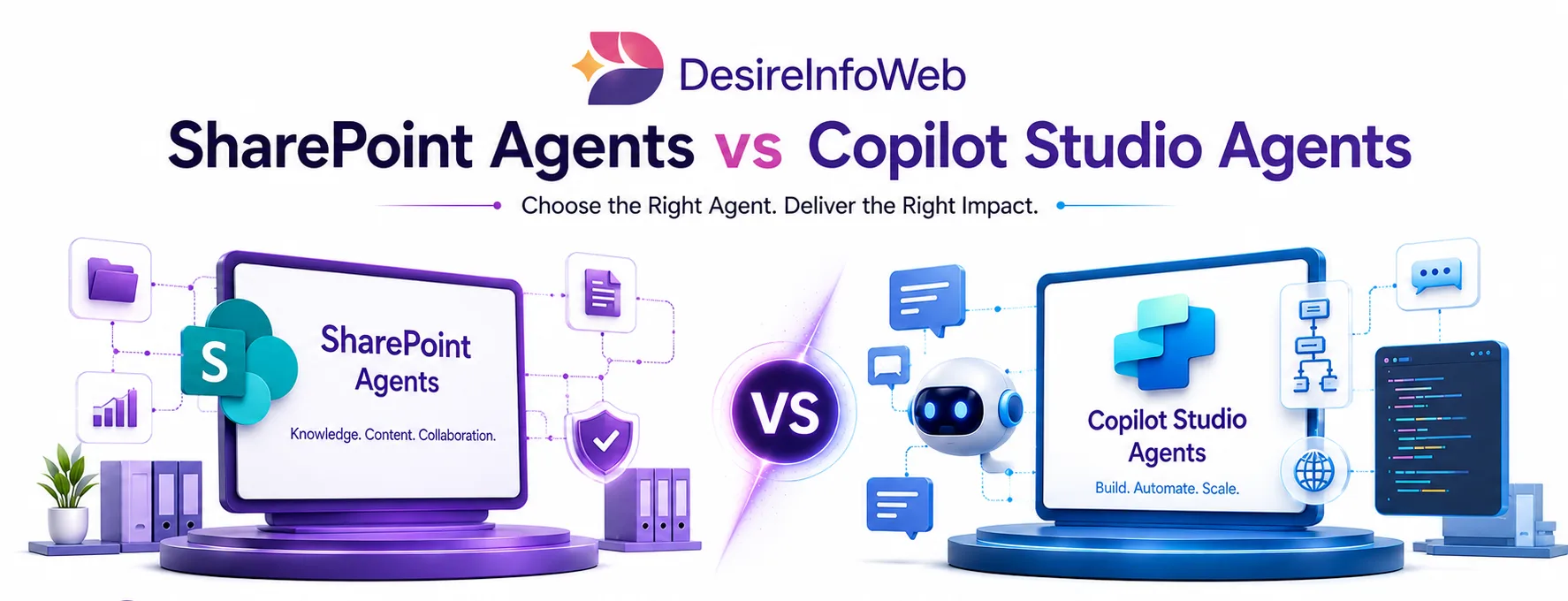
Two of the most talked about innovations are SharePoint Agents and Copilot Studio Agents.
While both technologies leverage Microsoft AI capabilities to help users find information, complete tasks, and improve productivity, they are designed for different business scenarios. Choosing the right solution can significantly impact user adoption, implementation costs, and long-term business value.
In this guide, we'll compare SharePoint Agents vs Copilot Studio Agents, explore their capabilities, and help you determine which option best aligns with your organization's digital transformation strategy.
What Are SharePoint Agents?
SharePoint Agents are AI-powered assistants built directly on top of SharePoint content and Microsoft 365 knowledge repositories.
They are designed to help users quickly discover, summarize, and interact with information stored within SharePoint sites, document libraries, and connected Microsoft 365 resources.
Instead of manually searching through folders and documents, employees can ask questions in natural language and receive contextual responses based on organizational content.
Typical SharePoint Agent Capabilities
- Document discovery
- Knowledge retrieval
- Content summarization
- Policy assistance
- Employee self-service support
- Department-specific knowledge access
- FAQ automation
The SharePoint Agent retrieves relevant documents, summarizes the content, and provides a direct answer.
What Are Copilot Studio Agents?
Copilot Studio Agents are customizable AI agents built using Microsoft Copilot Studio.
Unlike SharePoint Agents, Copilot Studio Agents are designed to perform actions, automate workflows, integrate with business systems, and execute multi-step tasks across the organization.
These agents can connect to:
- SharePoint
- Microsoft Teams
- Dynamics 365
- SQL Databases
- Third-Party Applications
- APIs and External Systems
Instead of simply providing information, Copilot Studio Agents can actively complete business processes.
Typical Copilot Studio Agent Capabilities
- Workflow automation
- Customer support assistance
- Sales enablement
- HR automation
- IT service desk automation
- Multi-system integrations
- Task execution
- Process orchestration
For example, an employee can ask: "Submit a leave request and notify my manager."
The agent can complete the process automatically without requiring manual intervention.
SharePoint Agents vs Copilot Studio Agents: Key Differences
Feature | SharePoint Agents | Copilot Studio Agents |
Primary Purpose | Knowledge Retrieval | Business Process Automation |
Data Source | SharePoint Content | Multiple Enterprise Systems |
Workflow Automation | Limited | Advanced |
External Integrations | Minimal | Extensive |
Task Execution | No | Yes |
Customization | Basic | Highly Flexible |
Business Process Support | Limited | Comprehensive |
Development Requirements | Low | Moderate |
Scalability | Department-Level | Enterprise-Wide |
When SharePoint Agents Are the Better Choice
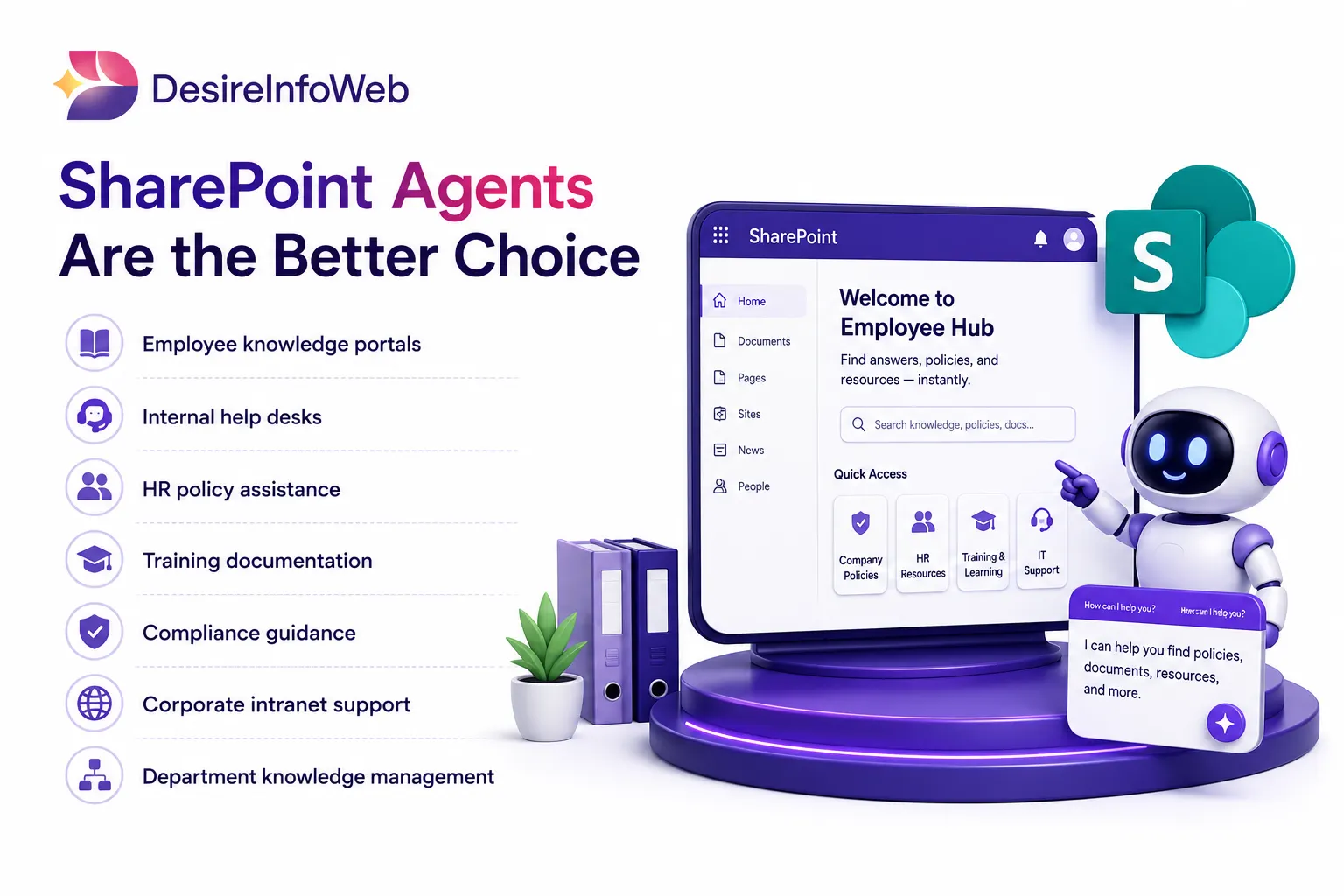
SharePoint Agents are ideal when your primary goal is improving access to organizational knowledge.
Best Use Cases
- Employee knowledge portals
- Internal help desks
- HR policy assistance
- Training documentation
- Compliance guidance
- Corporate intranet support
- Department knowledge management
Business Benefits
- Faster information discovery
- Reduced employee search time
- Improved productivity
- Better knowledge sharing
- Simplified onboarding experiences
Organizations heavily invested in SharePoint often achieve immediate value from SharePoint Agents with minimal implementation effort.
When Copilot Studio Agents Are the Better Choice
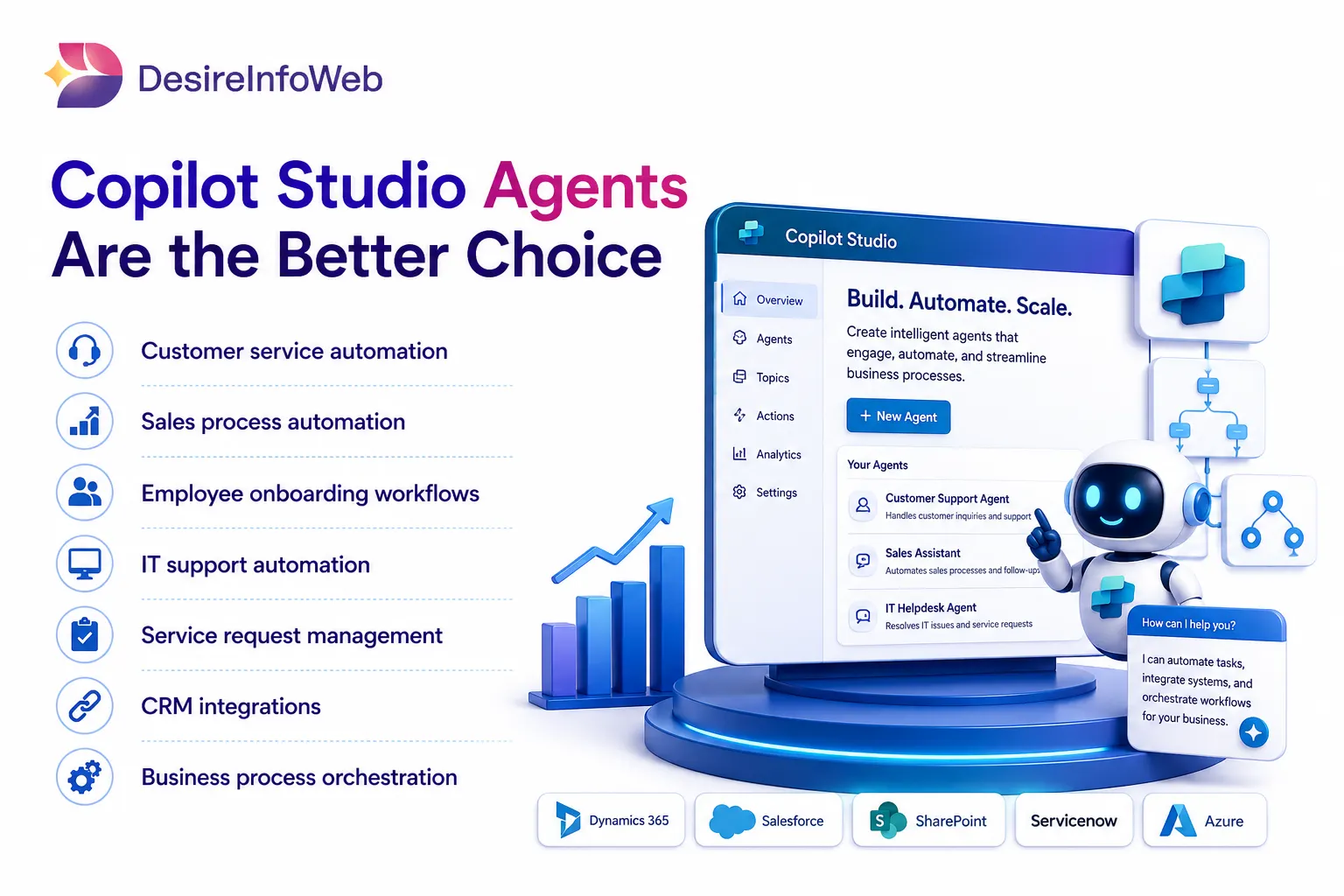
Copilot Studio Agents are designed for businesses that want AI to do more than answer questions.
Best Use Cases
- Customer service automation
- Sales process automation
- Employee onboarding workflows
- IT support automation
- Service request management
- CRM integrations
- Business process orchestration
Business Benefits
- Reduced manual work
- Faster process completion
- Improved operational efficiency
- Enhanced employee experiences
- Greater automation scalability
For organizations seeking intelligent workflow automation, Copilot Studio provides significantly greater flexibility.
Real-World Use Cases: Which Microsoft AI Agent Should You Choose?
Business Scenario | SharePoint Agent | Copilot Studio Agent | Recommended |
Employee asks for HR policies and benefits information | ✅ Excellent | ✅ Possible | SharePoint Agent |
Searching company SOPs, training documents, knowledge articles | ✅ Excellent | ⚠️ Overkill | SharePoint Agent |
Employee onboarding knowledge portal | ✅ Excellent | ⚠️ Limited need | SharePoint Agent |
Compliance and policy document assistance | ✅ Excellent | ⚠️ Not primary | SharePoint Agent |
Internal help desk for finding company information | ✅ Excellent | ⚠️ Limited value | SharePoint Agent |
Leave request submission and approval workflow | ❌ No | ✅ Excellent | Copilot Studio Agent |
IT service ticket creation and status tracking | ❌ No | ✅ Excellent | Copilot Studio Agent |
Customer support chatbot integrated with CRM | ❌ No | ✅ Excellent | Copilot Studio Agent |
Sales assistant that updates Dynamics 365 opportunities | ❌ No | ✅ Excellent | Copilot Studio Agent |
Expense claim submission and approval automation | ❌ No | ✅ Excellent | Copilot Studio Agent |
Employee asks "How do I apply for maternity leave?" | ✅ Excellent | ✅ Possible | SharePoint Agent |
Employee asks "Apply for maternity leave for next month" | ❌ No | ✅ Excellent | Copilot Studio Agent |
Procurement request automation | ❌ No | ✅ Excellent | Copilot Studio Agent |
Vendor onboarding workflow | ❌ No | ✅ Excellent | Copilot Studio Agent |
Retrieving information from SharePoint document libraries | ✅ Excellent | ✅ Possible | SharePoint Agent |
Multi-step workflow: SharePoint, Teams, and Dynamics 365 | ⚠️ Limited | ✅ Excellent | Copilot Studio Agent |
Corporate intranet knowledge assistant | ✅ Excellent | ⚠️ Not required | SharePoint Agent |
AI-powered employee self-service portal | ✅ Excellent | ✅ Excellent | Both Together |
Enterprise knowledge management solution | ✅ Excellent | ✅ Can enhance | Both Together |
Digital workplace: knowledge retrieval + workflow execution | ✅ Knowledge | ✅ Automation | Both Together |
Security and Governance Considerations
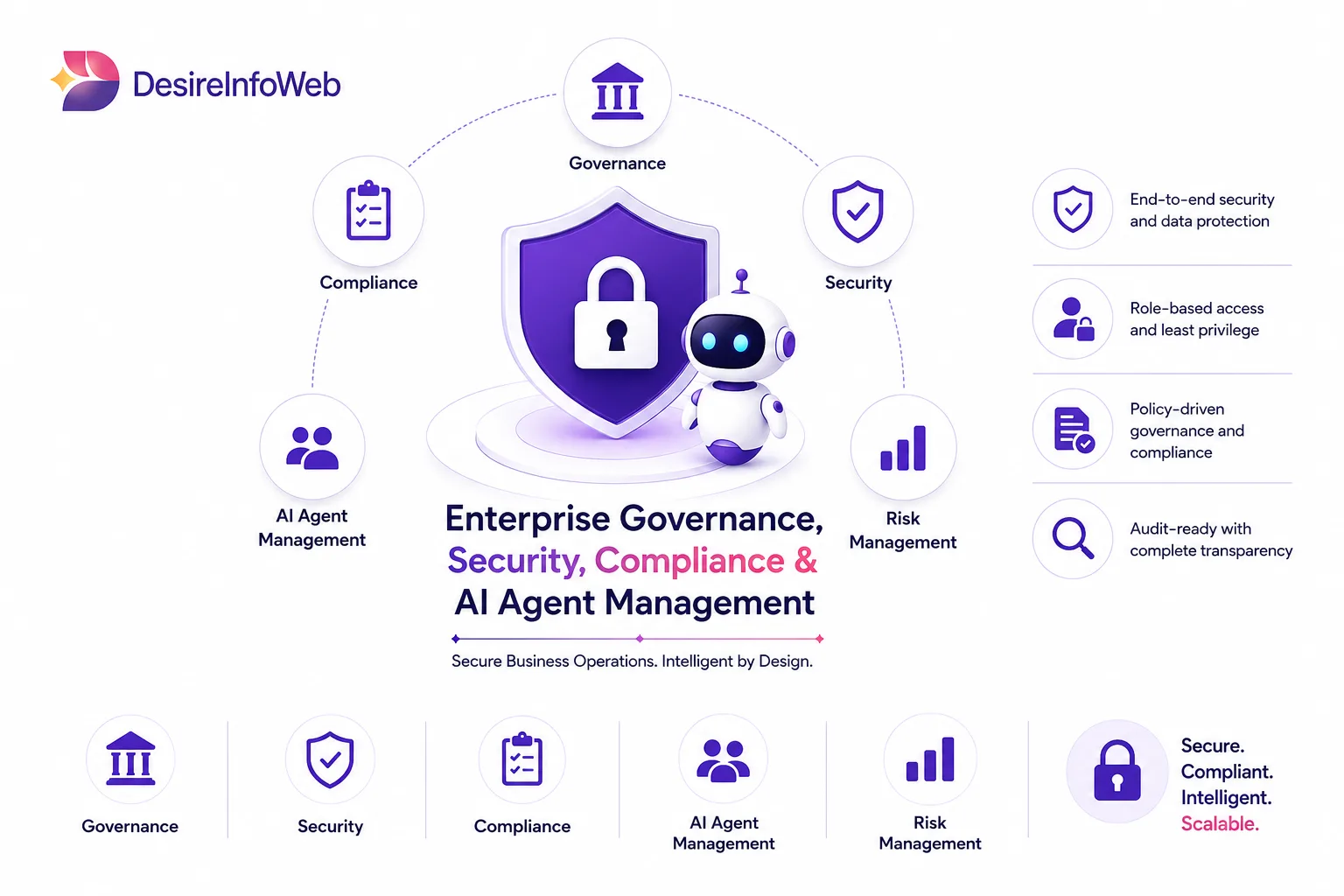
Both solutions benefit from Microsoft's enterprise-grade security framework.
SharePoint Agents
- Respect existing SharePoint permissions
- Access only authorized content
- Maintain document-level security
Copilot Studio Agents
- Support enterprise governance controls
- Secure API integrations
- Role-based access management
- Advanced compliance capabilities
Licensing & Cost Reality Check
Licensing is where many organisations make costly mistakes. Here is the honest picture as of mid-2026 (always verify current pricing with Microsoft or a certified partner before procurement).
SharePoint Agents License Considerations
- Creating a SharePoint Agent requires only a Microsoft 365 subscription (E3/E5 or Business plans).
- Interacting with a SharePoint Agent via Copilot Chat or Teams requires each user to have a Microsoft 365 Copilot add-on license (per-user, per-month).
- For organisations already rolling out Microsoft 365 Copilot, SharePoint Agents are effectively included no extra line item.
Copilot Studio Agent License Considerations
- Microsoft 365 Copilot users receive a monthly allowance of Copilot Studio messages to interact with custom agents in Teams and SharePoint useful for smaller internal deployments.
- For external-facing agents or high-volume internal use, you will need a Copilot Studio capacity license billed on a per-message or tenant capacity basis.
- Actions that use premium connectors (Salesforce, SAP, ServiceNow) require Power Platform premium licences for the flows involved.
- Agentic capabilities within Copilot Studio may consume additional capacity credits depending on the complexity of the plan-and-execute cycle.
Which Solution Should Your Business Choose?
- Your primary challenge is information discovery.
- You want employees to find answers faster.
- Most organizational knowledge resides within SharePoint.
- You need rapid deployment with minimal complexity.
- You need workflow automation.
- Processes span multiple business systems.
- Users need AI to perform actions, not just answer questions.
- You want scalable enterprise automation.
The real opportunity lies in leveraging both technologies strategically to create an intelligent, connected digital workplace.
Final Thoughts
As organizations accelerate their AI adoption strategies, Microsoft continues to provide powerful tools that improve productivity and automate business operations.
SharePoint Agents and Copilot Studio Agents serve different but complementary purposes. SharePoint Agents excel at unlocking organizational knowledge, while Copilot Studio Agents enable intelligent automation across complex business processes.
Businesses that understand these differences can make smarter technology investments, improve employee experiences, and build a stronger foundation for future AI initiatives.
Whether your goal is knowledge management, workflow automation, or enterprise-wide digital transformation, choosing the right AI agent strategy today can deliver measurable business value for years to come.