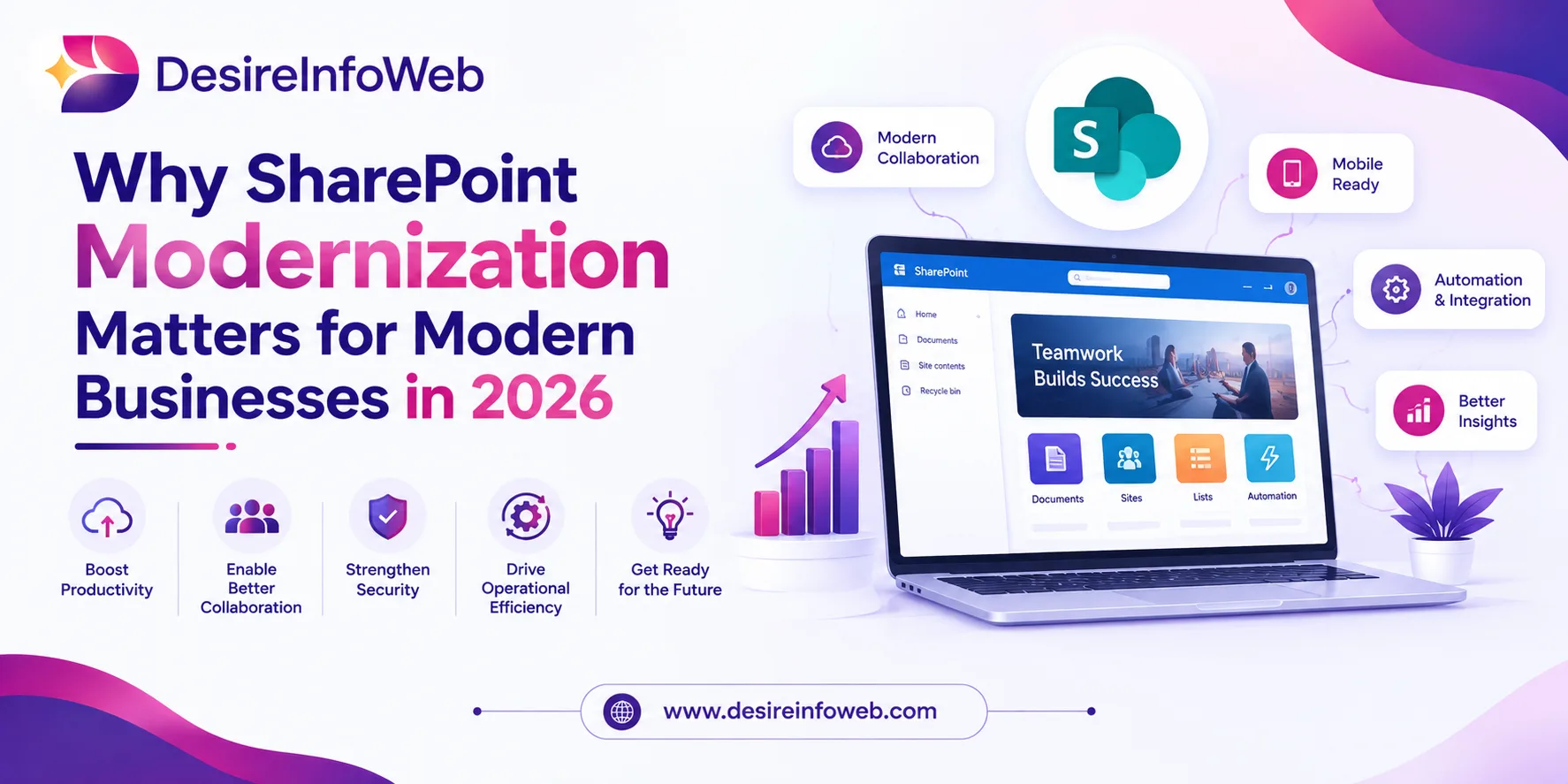
SharePoint continues to play an important role in modern workplaces. Businesses use it for document management, intranets, collaboration, knowledge sharing and business processes. However, many organizations still depend on older SharePoint sites, classic pages, outdated customizations and manual workflows.
As business requirements change, these older environments can become difficult to manage and less convenient for employees. SharePoint Modernization provides a practical way to improve the existing environment while making better use of Microsoft 365.
Modernization is not simply about changing the appearance of a SharePoint site. It can involve content cleanup, site redesign, migration, workflow automation, information architecture, security and integration with Microsoft Teams and Power Platform.
What is SharePoint Modernization?
SharePoint modernization is the process of improving an existing SharePoint environment to meet current business and technology requirements.
Depending on the organization, modernization may include:
- Moving from SharePoint Server to SharePoint Online
- Updating classic SharePoint sites and pages
- Improving navigation and information architecture
- Replacing outdated customizations
- Automating manual workflows
- Reviewing permissions and governance
- Connecting SharePoint with Microsoft Teams
- Developing business applications with Power Apps
- Automating processes with Power Automate
The objective is to create a SharePoint environment that is easier to use, manage and expand.
Microsoft recommends assessing existing SharePoint environments before deciding which sites and pages should be modernized. This helps organizations focus resources on content and solutions that still provide business value.
Signs Your SharePoint Environment Needs Modernization
Several issues can indicate that a SharePoint environment needs attention.
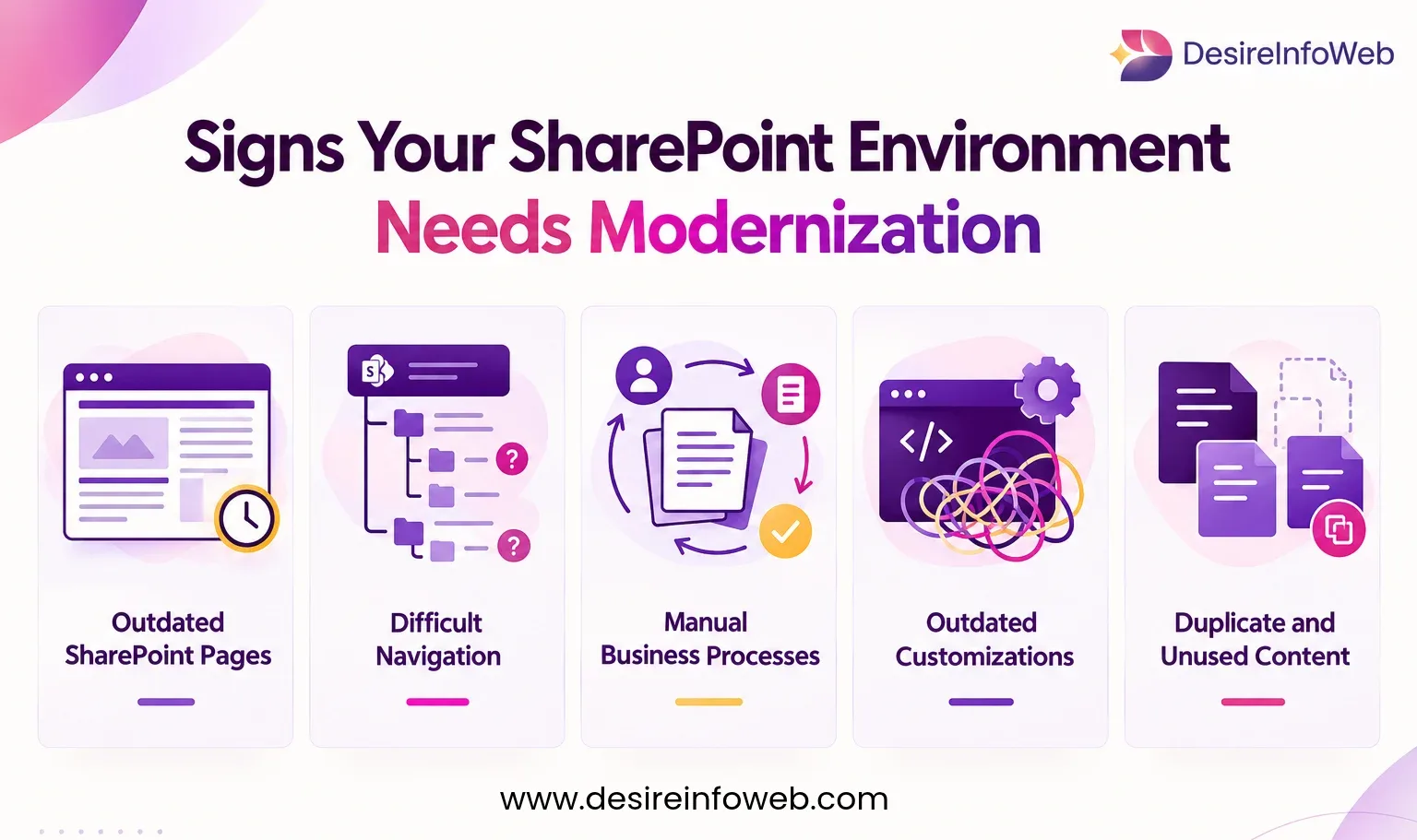
Outdated SharePoint Pages
Classic pages may provide an inconsistent experience compared with modern SharePoint sites. Organizations should review important pages and determine whether they should be transformed, redesigned or retired.
Difficult Navigation
Employees should not have to search through multiple locations to find common documents and information. Poor navigation can often be addressed through better site architecture, hubs, metadata and content organization.
Manual Business Processes
If employees still depend on email requests, spreadsheets or manual approvals, SharePoint modernization can include workflow automation using Power Automate.
Outdated Customizations
Older custom solutions can increase maintenance requirements. Modernization provides an opportunity to identify which customizations are still needed and replace outdated approaches where appropriate.
Duplicate and Unused Content
Years of accumulated documents and sites can create unnecessary complexity. A modernization project can classify content for migration, cleanup, archiving or removal.
Key Areas of SharePoint Modernization
SharePoint Online Migration
For organizations running SharePoint Server, migration to SharePoint Online can be an important part of modernization.
However, migration should not mean moving every piece of old content into a new environment. Businesses should first review their content, permissions, applications and workflows.
Modern Site and Page Design
Modern SharePoint pages can provide a cleaner and more responsive experience. Important department pages, intranet sections, knowledge areas and employee resources can be redesigned around how users currently access information.
Information Architecture
A clear information architecture makes content easier to find and manage.
Modernization can include reviewing:
- Sites and libraries
- Navigation
- Metadata
- Content types
- Search
- Permissions
- Hub sites
Workflow Automation
Power Automate can help modernize approval processes, notifications, document workflows and other repetitive activities.
For example, a document can be submitted for approval, automatically sent to the responsible person, updated after approval and communicated to relevant users without requiring every step to be handled manually.
Power Apps Integration
Some business processes require more than standard SharePoint lists and libraries. Power Apps can be used to build applications for areas such as procurement, audits, employee requests, project management and document tracking.
SharePoint and Microsoft 365
SharePoint modernization can become more valuable when SharePoint works together with other Microsoft 365 services.
- Microsoft Teams can support communication and collaboration while SharePoint manages related documents.
- Power Apps can provide customized business applications using SharePoint data.
- Power Automate can automate approvals, notifications and processes.
- Power BI can be used for reporting and analysis where SharePoint data supports business intelligence requirements.
This connected approach can help organizations create a more consistent digital workplace.
A Practical SharePoint Modernization Roadmap
A successful modernization project should follow a structured process.
Assess
Review existing sites, pages, content, permissions, workflows, integrations and customizations.
Plan
Define the target SharePoint environment, information architecture, governance model and modernization priorities.
Clean
Remove duplicate, outdated and unnecessary content before migration.
Modernize
Update selected sites and pages, replace outdated customizations and introduce modern applications or workflows where required.
Test
Test navigation, permissions, documents, search, workflows, applications and integrations before launch.
Launch
Consider a phased rollout for larger organizations. Starting with selected departments or sites can make it easier to identify and resolve issues.
Improve
After launch, monitor usage, user feedback, content quality and governance requirements.
Benefits of SharePoint Modernization
A well-planned SharePoint modernization strategy can provide several business benefits:
- Easier access to information
- Improved employee experience
- Better document management
- Reduced manual work
- Stronger governance
- Improved collaboration
- Better integration with Microsoft 365
- Easier future development
The exact benefits depend on the organization's existing environment and modernization goals.
Common Modernization Mistakes
Organizations can face problems when they approach modernization without proper planning.
Migrating everything without reviewing content can recreate existing problems. Rebuilding every classic page can consume unnecessary resources. Ignoring permissions can create security concerns. Focusing only on technology can also result in poor user adoption.
A successful project should consider technology, content, security, processes, and employees together.
Conclusion
SharePoint modernization in 2026 is about more than moving content or updating the appearance of a site. It is an opportunity to create a cleaner, more manageable and connected digital workplace.
Whether an organization needs SharePoint Online migration, modern site development, workflow automation, Power Apps integration or information architecture improvements, the right approach starts with a detailed assessment.
By understanding what the business needs today and planning for future requirements, organizations can build a SharePoint environment that supports collaboration, productivity and long-term digital workplace goals.
Read More: SharePoint Agents vs Copilot Studio Agents