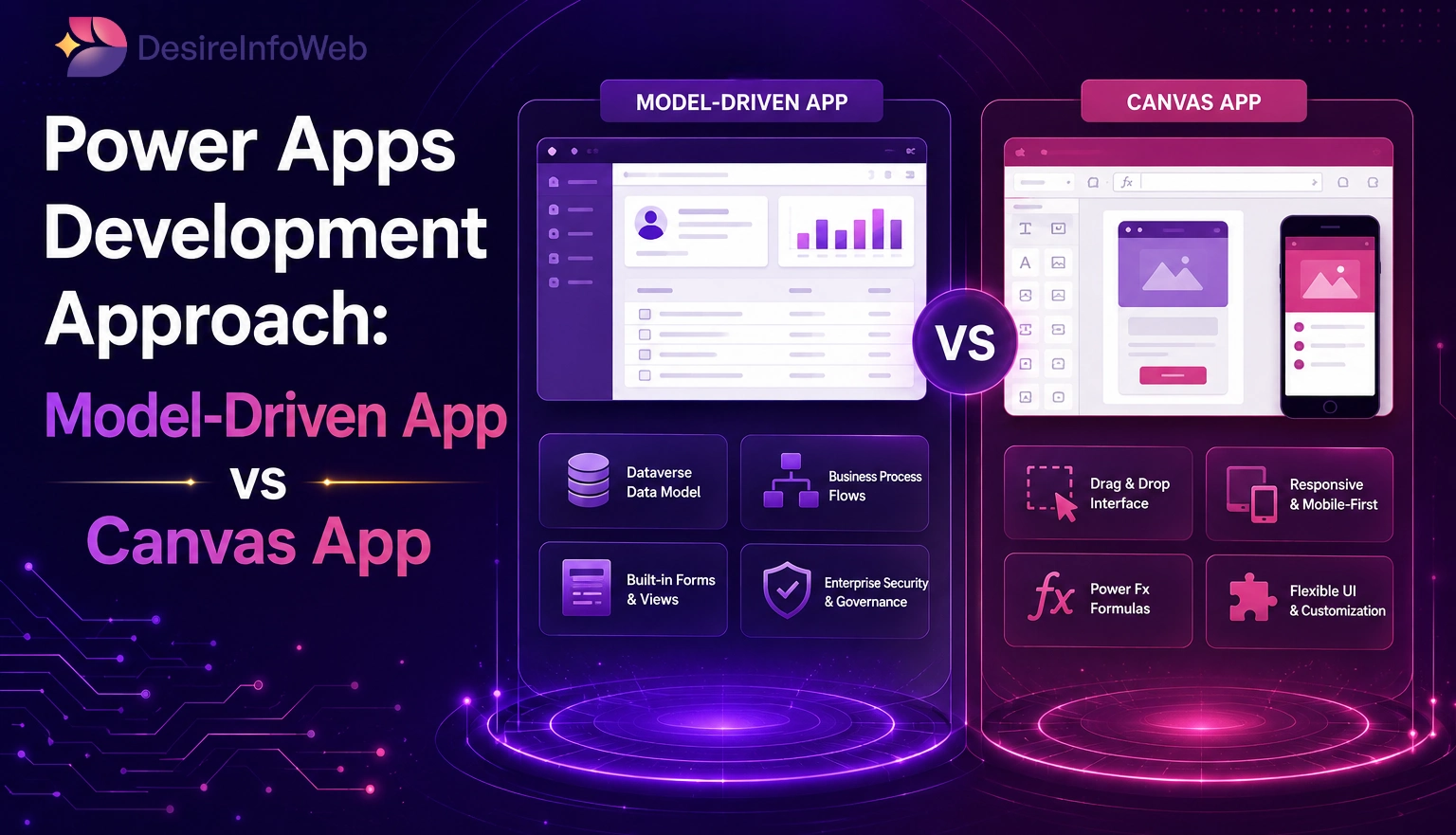
Microsoft Power Apps gives us two ways to build business applications Canvas Apps vs Model-Driven Apps. These two approaches are designed to solve business needs and offer advantages. It really depends on how complex the application is, what kind of user experience we need and how the data is structured. The canvas app provides a rich look and feels compared to model driven. Understanding the differences between these approaches helps companies choose the development model for their business solutions.
Choosing the right Power Apps development model requires balancing user experience, business processes, data architecture, security requirements, and scalability goals.
1. Canvas App Development
Canvas Apps provide full flexibility in designing UI and user experience. We can build the application from scratch, which allows us to build solutions according to our commercial enterprise wishes.
How We Implement Code in Canvas Apps
Power Fx is the formula language used in Canvas Apps. It is similar to Microsoft Excel formulas. We use it to control application logic, user interactions, calculations and data operations.
For example the formula
Power Fx (Formula Language):
Used to control logic, behavior, and data operations
Event-Based Logic:
Code is written on properties like:
OnSelect
OnVisible
OnStart
Data Integration:
Connect to multiple data sources (Dataverse, SharePoint, SQL, etc.)
Custom UI Control:
Full flexibility in designing screens, layouts, and user experience
Retrieves statistics from the Power Apps Users table, where the number one electronic item corresponds to the email address of the currently logged-in Power Apps person. Canvas Apps additionally help with event-pushed programming, where the logic is completed when particular motions occur.
Event-Based Logic
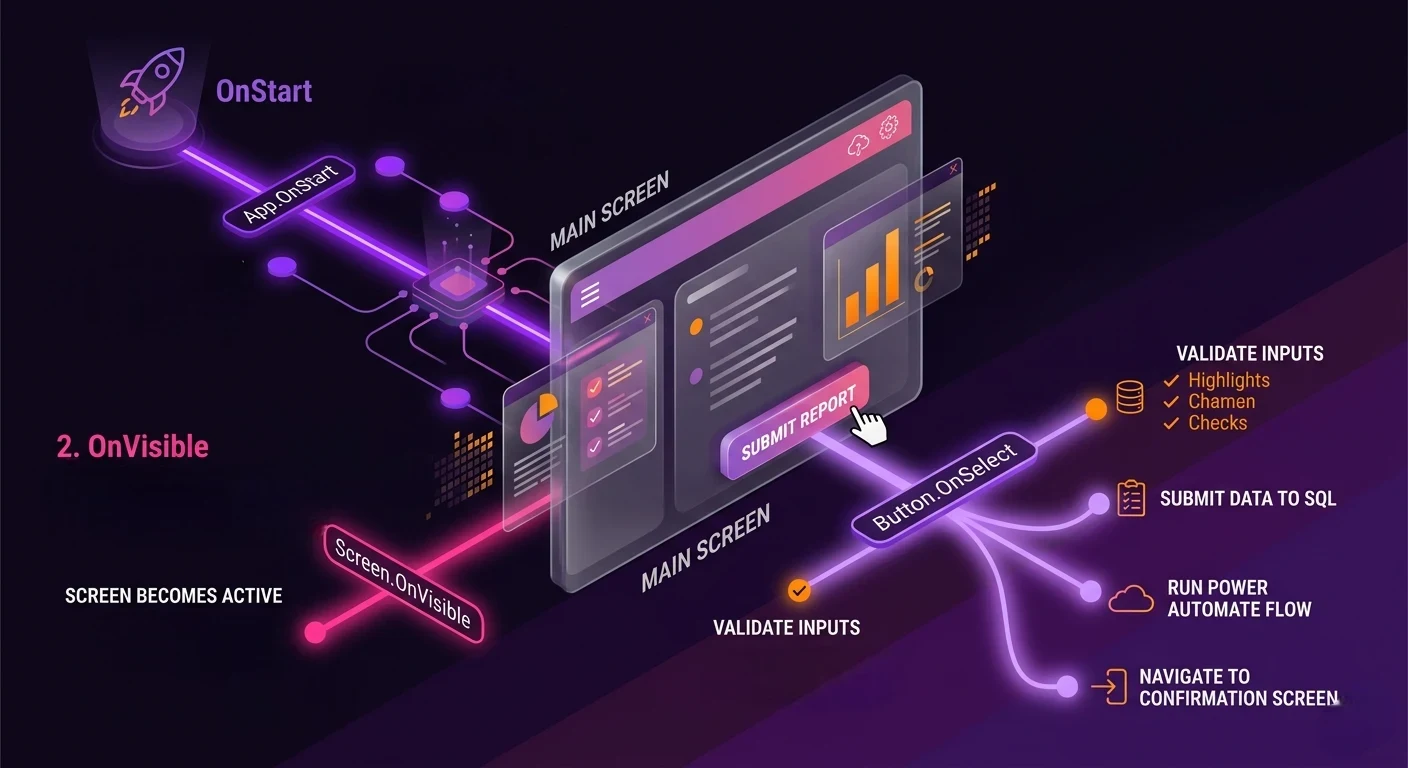
Canvas Apps support event-driven programming, where logic is executed when specific actions occur. Developers typically write formulas and business logic on control properties such as:
- OnSelect – Executes when a button or control is selected.
- OnVisible – Runs when a screen becomes visible.
- OnStart – Executes when the application starts.
These events allow us to control navigation, data loading, validations and Power Apps user interactions.
Data Integration
Canvas Apps can connect to directory assets, enabling us to build applications that collectively carry and manage directories of different structures.
We may use information sources such as Microsoft Dataverse, SharePoint lists, SQL Server, Excel files, Microsoft 365 services, Azure services, and third-party connections. One of the blessings of Canvas Apps is that we can completely customize the design.
We can create custom screen layouts, user interfaces, friendly experiences, branded Power Apps applications and interactive dashboards. Every visual element can be customized to meet specific business and Power Apps user requirements.
Canvas Apps are ideal when we need customized user interface business processes involve Power Apps user interactions different Power Apps users require experiences, we need applications we need layouts across devices and applications need to integrate with external systems.
Canvas Apps : Security & Offline Capability
Canvas Apps provide basic security primarily through the underlying data sources such as SharePoint, Dataverse, or SQL Server. Access control is typically managed at the data level, meaning users can only view or modify records based on the permissions assigned in the connected data source. Unlike Model-Driven Apps, Canvas Apps do not natively support advanced features like role-based security, field-level security, or business units within the app itself. Developers often implement custom logic using Power Fx to control visibility of screens, buttons, and data, which makes security more flexible but also dependent on manual implementation.
In terms of offline capability, Canvas Apps offer strong support for offline scenarios. Developers can use functions like SaveData() and LoadData() to store data locally on the device and retrieve it when the user is offline. This makes Canvas Apps ideal for mobile users working in environments with limited or no internet connectivity, such as field service, inspections, or on-site data collection. Once the connection is restored, the app can sync the locally stored data back to the data source, ensuring continuity and data consistency.
2. Model-Driven App Development
Model-Driven Apps follow a data-driven approach. Of designing every screen manually the Power Apps application interface is automatically generated based on Microsoft Dataverse tables, relationships, forms and views. This approach focuses on business data, processes and relationships than custom interface design.
How We Implement Code in Model-Driven Apps
Business Rules provide a no-code or low-code way to implement business logic within forms and tables. We can use Business Rules to show or hide fields make fields set default values validate Power Apps user input and disable controls.
For example, we can robotically display discipline when a certain condition is met or set a default condition value when we create a new file. We can also use JavaScript within Model-driven apps in situations that require customization.
JavaScript for Advanced Logic
For scenarios that require more advanced customization, JavaScript can be used within Model-Driven Apps.
- JavaScript is used only in Model-Driven Apps (Forms & Ribbon)
- Not used in Canvas Apps
JavaScript is commonly attached to form events such as:
- OnLoad
- OnChange
- OnSave
Power Automate Flows
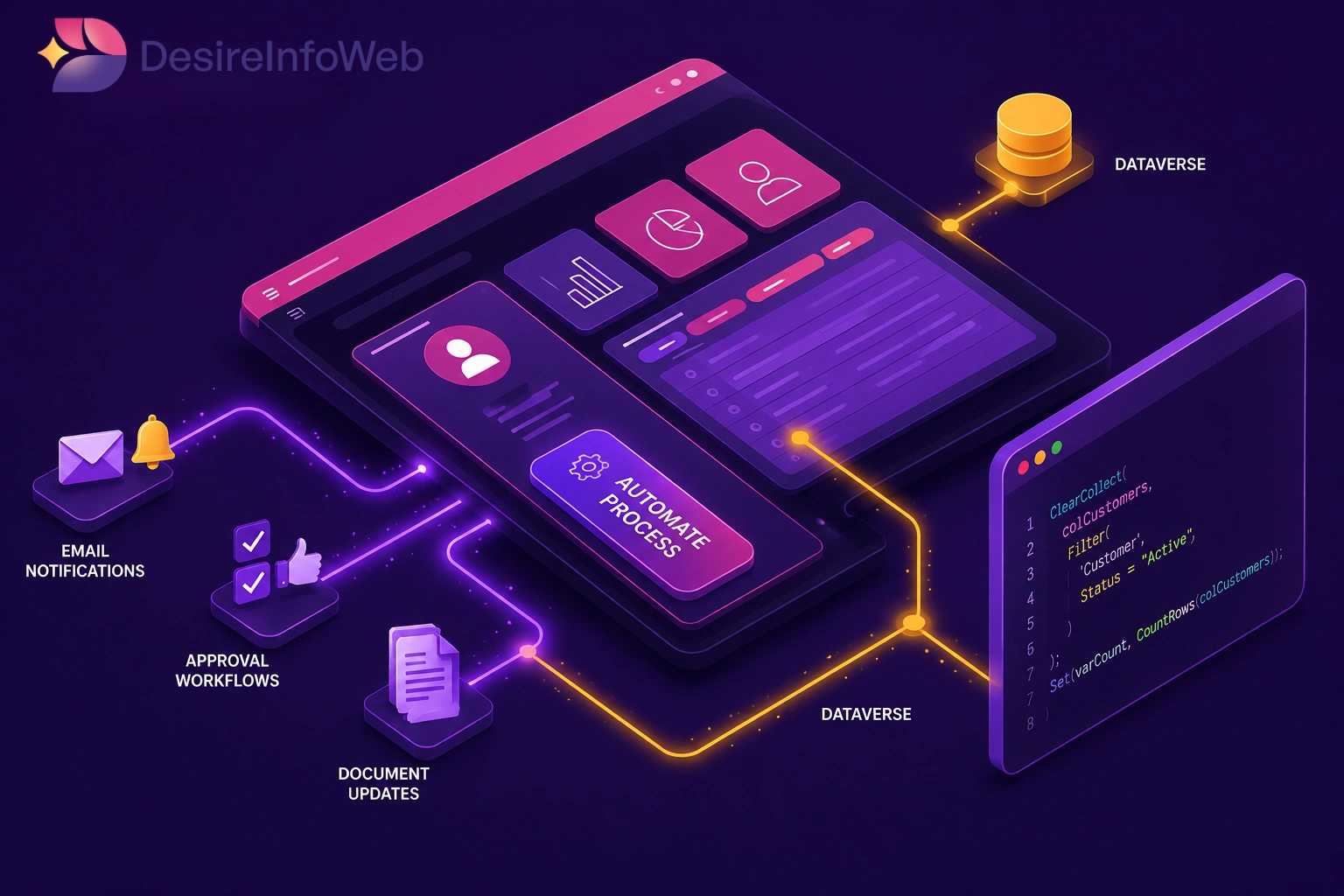
Power Automate is commonly used in conjunction with Model-Driven Apps to automate enterprise technology and back-end operations.
We can use Power Automate to automate events like email notifications, approval workflows, document updates, statistics reconciliation, challenge visits, and escalation processes. For business requirements developers can implement server-side plugins using C# and the Microsoft Dataverse SDK.
Plugins (Advanced Development)
Plugins execute on the server. Provide advanced validation logic, automated calculations, data processing, integration with systems and secure business rule enforcement.
Model-Driven Apps are ideal when the Power Apps application is heavily focused on business data standardized user interfaces are acceptable complex relational data structures are involved enterprise-grade security is required and scalability and governance are important.
Security & Offline Capability
Model-Driven Apps provide a robust and enterprise-grade security framework built on Microsoft Dataverse. Security is managed through role-based access control, where users are assigned security roles that define what data they can access and what actions they can perform (create, read, update, delete). Field-level security allows organizations to restrict access to specific fields within a record, ensuring sensitive information is only visible to authorized users. Additionally, business units enable hierarchical data access, allowing organizations to structure permissions based on departments, regions, or teams. This built-in security model ensures strong governance, compliance, and scalability without requiring custom logic.
Regarding offline capability, Model-Driven Apps offer limited but structured offline support. Offline functionality is available primarily for mobile devices and requires configuration through offline profiles in Dataverse. Administrators define which tables and data should be available offline, and the system synchronizes this data automatically when the device goes online. However, compared to Canvas Apps, offline flexibility is more restricted, as developers have less control over local storage and syncing behavior. Model-Driven offline mode is best suited for structured business processes where predefined data needs to be accessed in low-connectivity environments.
Key Differences: Model-Driven App vs Canvas App
| Aspect | Canvas App | Model-Driven App |
|---|---|---|
| Development Style | UI-first | Data-first |
| Coding Language | Power Fx | Business Rules, JavaScript, Plugins |
| UI Flexibility | High | Limited |
| Complexity Handling | Medium–High | High (with Dataverse) |
| Best For | Custom Applications | Enterprise Data Applications |
| Offline Capability | High | Medium |
Choosing the Right Approach
The choice between Canvas Apps Vs Model-Driven Apps depends on the goals of the organization and the needs of Power Apps utilities.
Select Canvas Apps When Power Apps The user enjoys Center Customized interfaces are required Mobile accessibility is important and desires integration of a couple of external statistical resources.
Choose Model-Driven Apps when information relationships are approved for the standardized interfaces of the Power Apps utility, maintenance and governance are critical and institution-level record management is required.
Conclusion
Both Canvas Apps and Model-Driven Apps are development approaches within Microsoft Power Platform, each serving business scenarios.
Canvas Apps are ideal for organizations that require customized Power Apps user experience, flexible layouts and interactive Power Apps applications.
Model-driven applications are first-class applicable to record-driven business responses that require built-in security, scalability, and robust federated statistical management.
Companies in organizational environments leverage the use of canvas apps for every process specialized power apps user studies and model-driven apps to manage central business data and methods.
By understanding the strengths of each technology, organizations can choose the Power Apps improvement method to maximize productivity, efficiency, and long-term scalability.